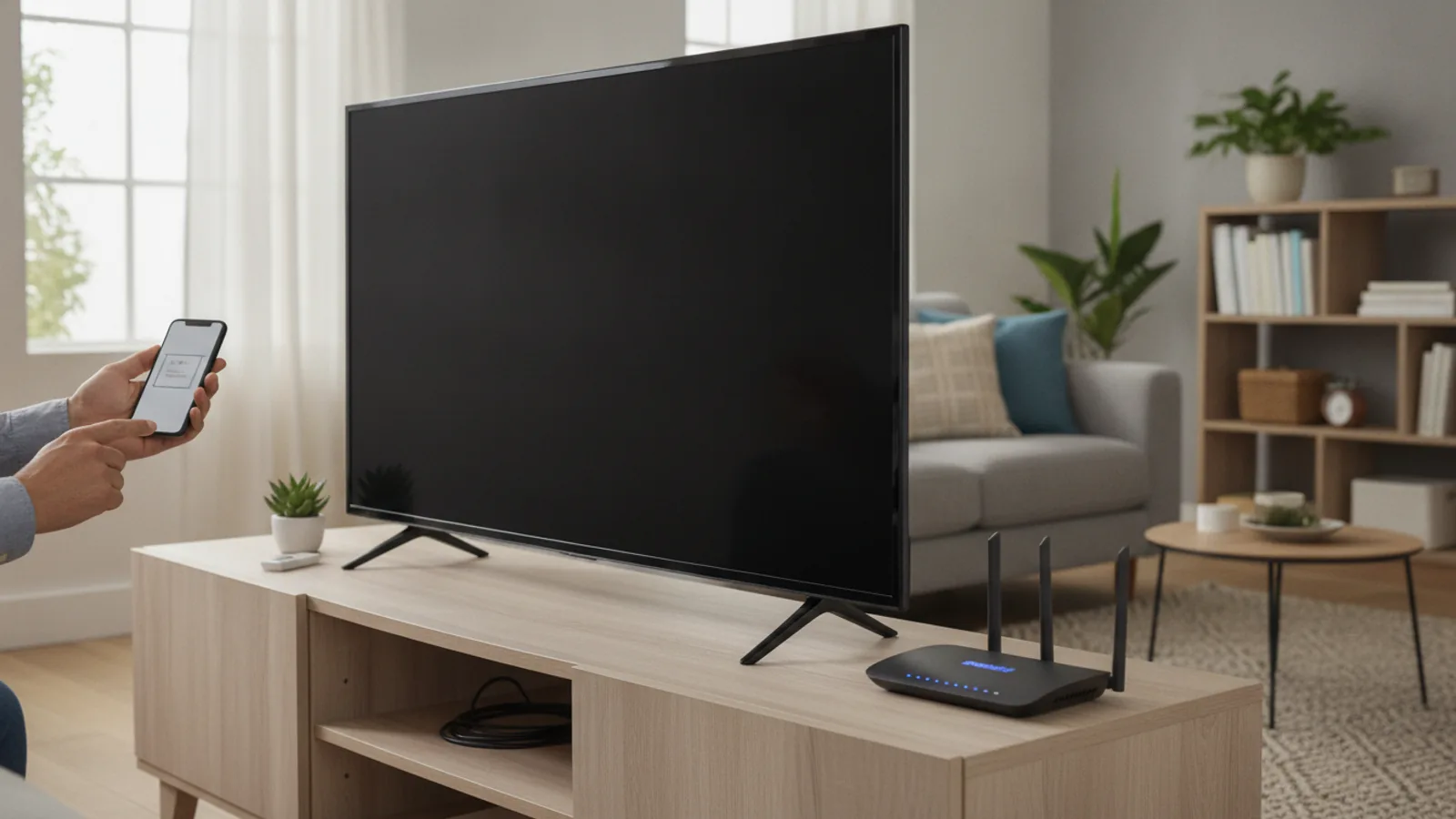
How To Connect Roku Tv To Wifi Without Remote
This guide explains how to approach how to connect roku tv to wifi without remote, including the preparation, practical steps, common mistakes, and final checks that help you finish with confidence.
Before You Start
This process relies on your Roku TV's ability to automatically connect to a previously saved network. Gathering these specific details and devices beforehand will ensure a smooth experience.
What You Need
Safety, Timing, or Context Checks
Step-by-Step Instructions
Follow these steps carefully. The key to success is making the mobile hotspot perfectly impersonate your old home network, allowing your Roku and smartphone app to communicate.
Quick Reference
Common Problems When You Connect Roku Tv To Wifi Without Remote
Even with the right steps, you might hit a snag. Here are solutions to the most frequent issues.
Advanced Tips for Connecting Your Roku TV
If the main method isn't suitable, these alternative strategies might help.
The Ethernet Cable: The Simplest Fallback
If your Roku TV has an Ethernet port, this is by far the easiest way to solve the problem. Simply connect an Ethernet cable from a spare port on your broadband router directly to the back of your TV. The Roku will automatically detect the wired connection and go online. Once it is, you can open the Roku app on your phone (connected to your normal home Wi-Fi), and it will find and control the TV without any need for hotspots.
Use Your TV's Physical Buttons
Look carefully along the sides, bottom edge, or back of your TV for physical buttons. Many TVs with integrated Roku OS (like those from TCL, Hisense, or Sharp) have a small set of controls. These are often limited to Power, Volume, and sometimes a basic four-way directional control with a center "OK" button. While navigating with these is slow and clumsy, it may be possible to painstakingly make your way to `Settings > Network > Set up connection` to enter your new Wi-Fi details.
Consider an Official Replacement Remote
While this guide is for emergencies, the best long-term solution is a working remote. You can order an official "Roku Voice Remote" or a "Simple Remote" directly from electronics retailers. They are designed to work out of the box with minimal pairing required, making them a reliable and permanent fix.
How To Connect Roku Tv To Wifi Without Remote FAQ
Final Checklist for Connecting Your Roku TV
Before you're done, run through this final checklist to ensure everything is working correctly and your temporary setup is fully dismantled.