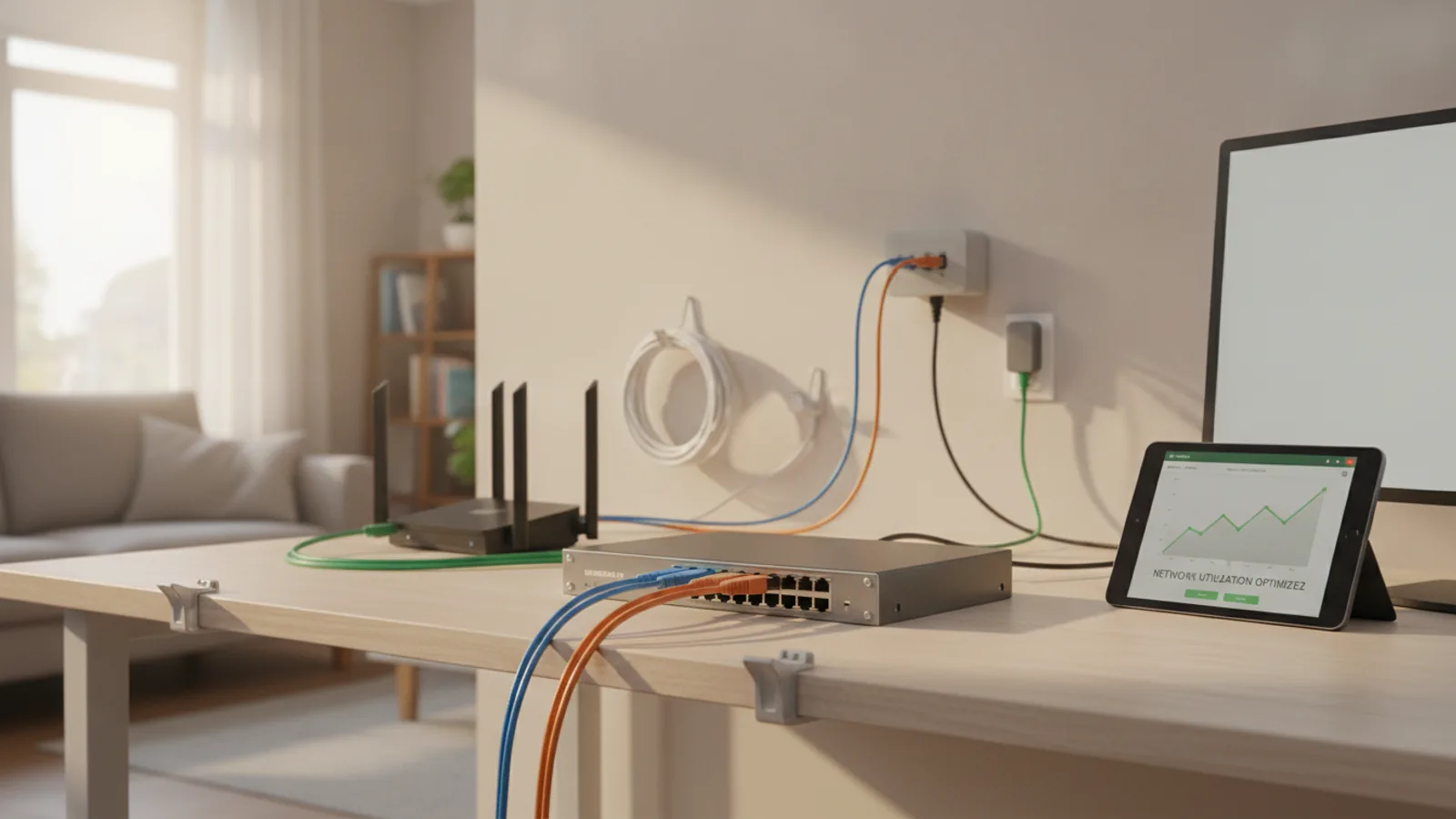
How To Increase Ethernet Network Utilization
This guide explains how to approach how to increase ethernet network utilization, including the preparation, practical steps, common mistakes, and final checks that help you finish with confidence.
Before You Start
Step-by-Step Instructions
Common Problems When You Increase Ethernet Network Utilization
Advanced Tips for Ethernet Utilization
Once you've mastered the basics, these advanced tweaks can offer further improvements, particularly for specific use cases like large local file transfers or shaving milliseconds off your gaming latency.
Change Your DNS Server
Your Internet Service Provider (ISP) assigns you a default Domain Name System (DNS) server, which acts like the internet's phonebook, translating website names (like 4aerials.co.uk) into IP addresses. Sometimes, ISP DNS servers can be slow. Switching to a fast, public DNS server like Cloudflare (1.1.1.1) or Google (8.8.8.8) won't increase your raw download bandwidth, but it can make web pages load noticeably faster. You can change this setting both in your computer's network settings and in your router's admin panel to apply it to all devices on your network.
Enable Jumbo Frames
Standard Ethernet packets have a size (MTU) of 1500 bytes. Jumbo frames allow for much larger packets, typically up to 9000 bytes. This reduces the processing overhead for your network hardware, which can lead to a significant speed increase for transferring very large files between devices on your local network (e.g., from your PC to a NAS). This will not speed up your internet connection. For it to work, every device in the chain—your PC, any network switches, and the destination device—must have jumbo frames enabled and set to the same MTU value.
Isolate Network Traffic with VLANs
If you have a more advanced "managed" network switch or a prosumer router, you can create Virtual LANs (VLANs). This allows you to segment your network, creating separate broadcast domains. For example, you could put all your high-priority gaming and streaming devices on one VLAN and all your low-priority smart home gadgets on another. This prevents chatty, low-priority devices from creating unnecessary network traffic that could interfere with your primary activities, improving overall network efficiency.
How To Increase Ethernet Network Utilization FAQ
Final Checklist for Ethernet Network Utilization
FAQ
What should I check before I start?
Check the goal, the key prerequisite, and any current instructions that could change the safest next step for how to increase ethernet network utilization.
How can I tell whether the result is working?
Use the practical checks in the guide, pause if a required step is unclear, and verify the finished result against the intended outcome.