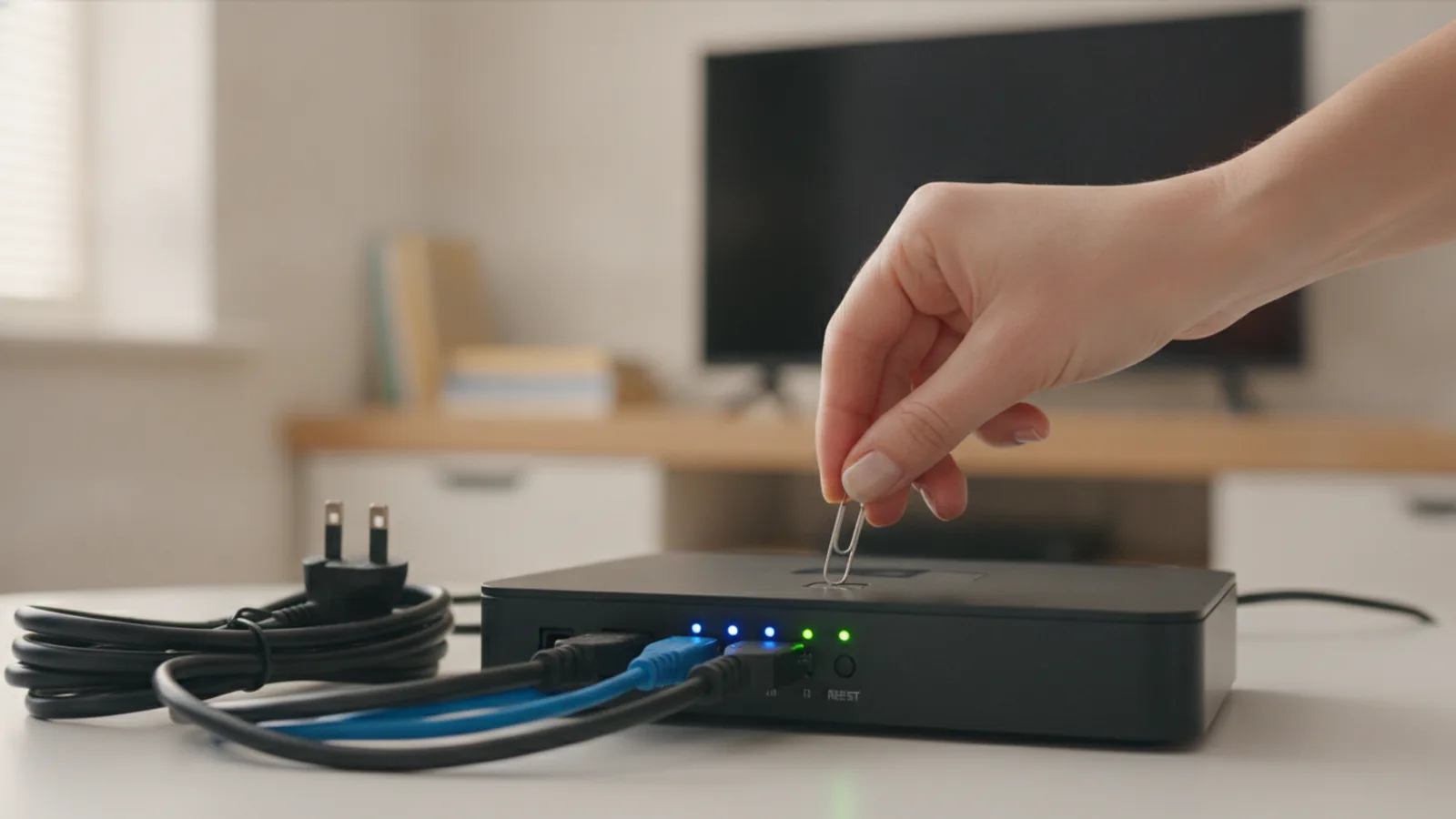
How To Reset Modem
This guide explains how to approach how to reset modem, including the preparation, practical steps, common mistakes, and final checks that help you finish with confidence.
Before You Start
Step-by-Step Instructions
Quick Reference
Common Problems When You Reset Modem
Sometimes, a reset doesn't immediately solve the problem. Here are some common issues and what to do next.
The Internet Light Keeps Blinking or Stays Amber/Red
A blinking or unusually coloured internet light means your modem is trying, but failing, to communicate with your ISP.
The Wi-Fi Light is On, But Devices Say "No Internet"
This means your local Wi-Fi network is working, but it doesn't have a connection to the wider internet. The problem lies between your router and your ISP.
My Wi-Fi Name and Password Have Disappeared
This is a classic sign that you have accidentally performed a factory reset by pressing the recessed pinhole button, instead of a simple power cycle.
Advanced Tips for Modem Resets
Master the reboot with these pro tips for a stable home network.
Schedule a Weekly Reboot
Like any computer, modems and routers can benefit from a periodic restart to clear their memory. To automate this, you can plug your modem/router into a simple smart plug. Use the smart plug's app to schedule it to turn off for five minutes in the middle of the night (e.g., 3 am) once a week. This can prevent slowdowns before they start.
Understand the Status Lights
Learning what your modem's lights mean can help you diagnose problems faster than a phone call to tech support. While models vary, the general indicators are:
Know When to Contact Your ISP
A power cycle fixes over 75% of common internet issues, but it can't fix everything. It's time to call your provider's technical support if:
When you call, tell them you have already performed a full 60-second power cycle. This saves time and shows them you've already handled the first step of troubleshooting.