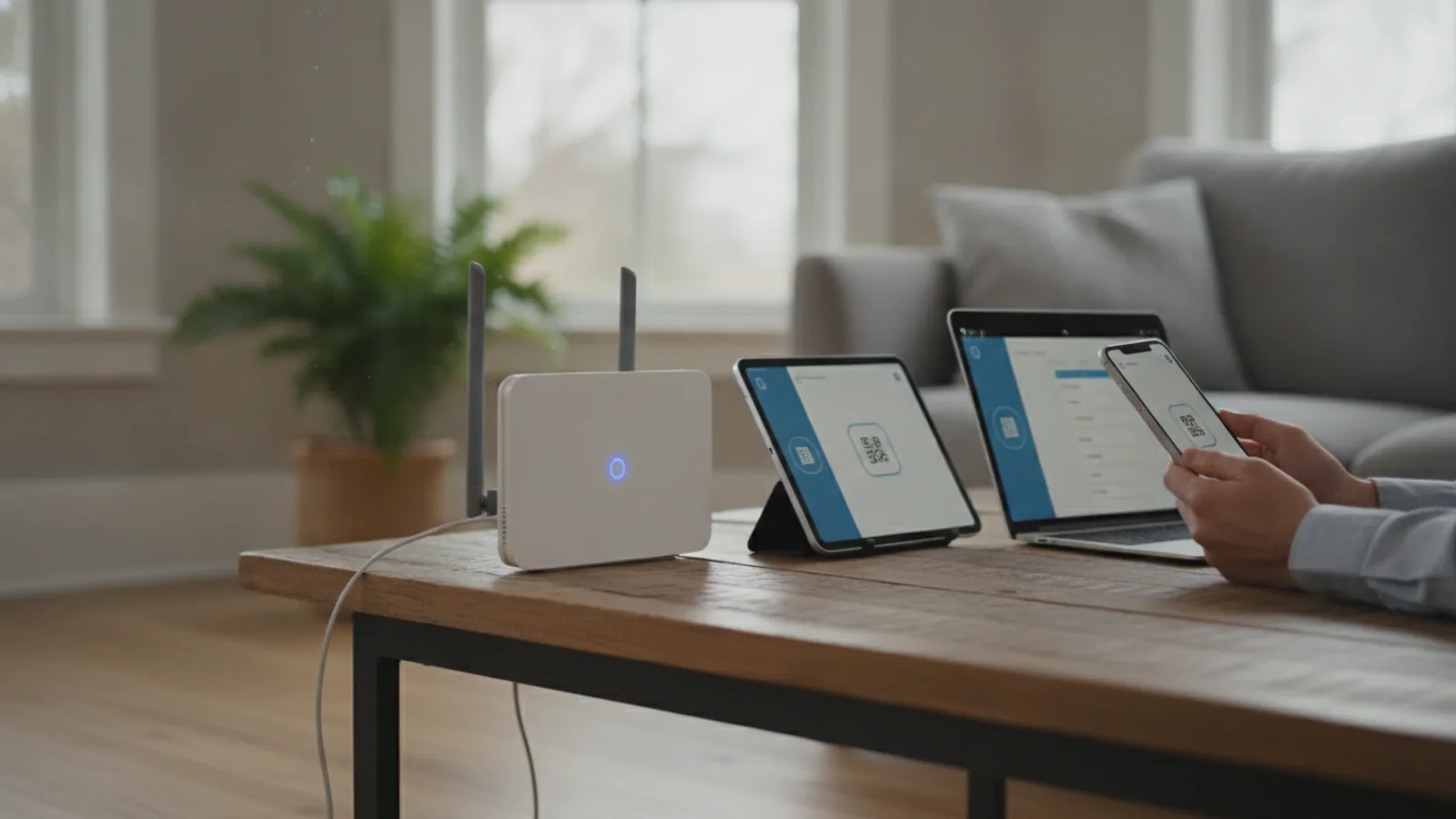
How To Share Wifi
This guide explains how to approach how to share wifi, including the preparation, practical steps, common mistakes, and final checks that help you finish with confidence.
Before You Start
Step-by-Step Instructions
Quick Reference
Common Problems When You Share Wifi
My Internet is Suddenly Very Slow
Every device connected to your Wi-Fi shares the total available bandwidth. If your guest starts streaming 4K video or downloading large game files, it will slow down the connection for everyone else. Some routers have settings (often called Quality of Service or QoS) that allow you to prioritise your own devices or limit the speed of the guest network.
A Guest Can't Connect to the Network
First, double-check they are typing the password correctly—it's case-sensitive. Second, check their signal strength. If they are too far from the router, they may not be able to establish a stable connection. Finally, if you have any advanced security like MAC address filtering enabled on your router, you may need to temporarily disable it or add their device's address to the approved list.
The Guest Network Isn't Showing Up
After enabling the guest network in your router settings, it can sometimes take a few minutes to begin broadcasting. Try rebooting your router (unplug it for 30 seconds and plug it back in). Also, ensure that the "Broadcast SSID" option is enabled for the guest network, otherwise it will be hidden.
I'm Worried About Security
This is a valid concern. The key is separation. As long as you use a properly configured guest network where "access local network" is disabled, your guests cannot see your computers, smart devices, or files. They are in a digital sandbox, with a path only to the internet, not to your home network.
Advanced Tips for Sharing Wifi
Set a Schedule for Your Guest Network
Many modern routers allow you to schedule when the guest network is active. For example, you could set it to automatically turn on during weekends or evenings when you're more likely to have visitors, and turn off at night or during the work week. This adds an extra layer of security.
Limit Bandwidth for Guests
If your router supports it, look for Bandwidth Control or QoS settings. Here, you can specify a maximum upload and download speed for anyone connected to the guest network. This is the perfect solution to prevent a visitor's heavy internet use from interfering with your own.
Create a Captive Portal
This is what you often see in hotels or coffee shops. A captive portal presents a special welcome page that users must agree to before they can access the internet. Some high-end consumer routers offer this feature for guest networks, allowing you to set terms of use or simply present a friendly welcome message.
Change Your Guest Password Periodically
If you've had many different people connect over several months, it's good practice to log in to your router and change the guest Wi-Fi password. This ensures that only current, approved visitors have access.
How To Share Wifi FAQ
Is it safe to share my Wi-Fi?
It is safe if you do it correctly. Sharing your main network password is risky. Sharing access via a guest network is very safe, as it isolates visitors from your personal devices.
Will sharing my Wi-Fi cost me extra?
For your home broadband, no. You pay a flat monthly fee regardless of how many devices are connected. However, be mindful of your ISP's "fair use" policy; if a guest uses an extraordinary amount of data (e.g., running a server), it could flag your account. If you're sharing via a mobile hotspot, it uses your mobile data allowance and can definitely lead to extra costs if you exceed your plan's limit.
Can my Internet Service Provider (ISP) tell that I'm sharing my connection?
Your ISP can see the total amount of data being used and how many devices are connected to your router, but they cannot tell who is using those devices. Sharing with guests in your home is perfectly acceptable. However, sharing your connection with a neighbour on a permanent basis may violate the terms of service you agreed to with your provider.
Can guests see my personal files or access my smart speaker?
If they are on your main Wi-Fi network, they potentially can. Networked devices like laptops, printers, and smart speakers are often visible to anyone else on the same network. This is the primary reason to use a guest network, which prevents this kind of local access.
How many people can I share my Wi-Fi with?
Most home routers can handle dozens of connected devices simultaneously. However, the performance will degrade with each additional user, as they all share the same internet connection. For typical use like browsing and social media, you can comfortably have 10-15 guest devices connected without noticing a major slowdown.