Wifi Extender vs Booster: Which Should You Choose?
Head-to-head comparison
Overall winner: Wifi Extender for its simplicity and value.
For most UK homes struggling with a specific WiFi dead zone, a Wifi Extender is the cheapest, simplest, and most effective solution. It’s a targeted fix that’s easy to install. A Wifi Booster (or Repeater) aims for a more seamless, single-network experience but often comes with a more complex setup and less reliable performance for a higher price. For whole-home coverage, a modern Mesh system is superior to both.
Head-to-Head Scorecard
Clarity
Wifi Extender vs Booster: Key Differences
Before we dive deeper, it’s crucial to clear up the confusion. Manufacturers often use "extender," "booster," and "repeater" interchangeably in their marketing, which muddies the waters for buyers. For this comparison, we are separating them by their core function, which is how they behave in your home network.
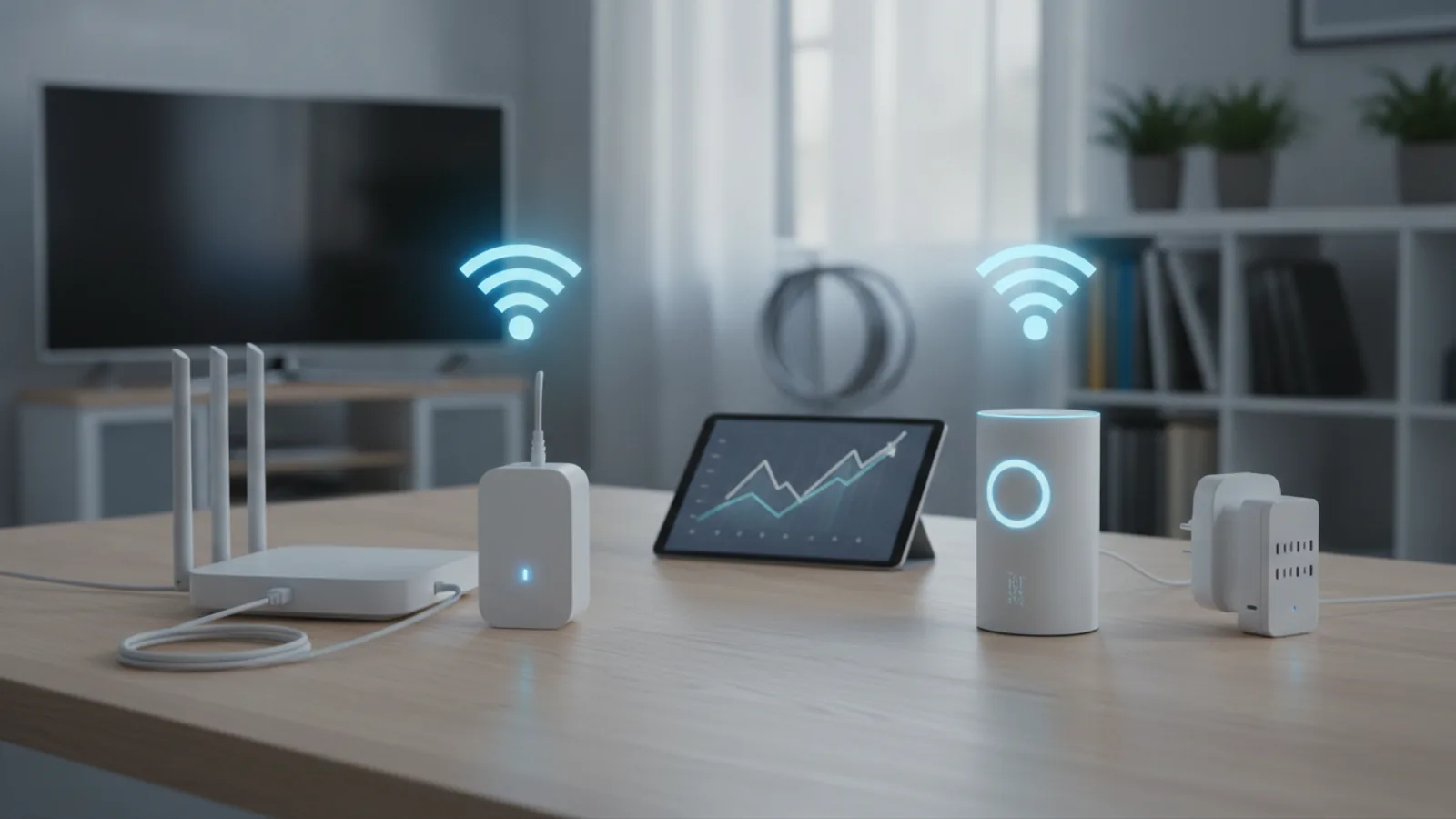
A Wifi Extender, in its most common form, connects to your main router wirelessly and then broadcasts its own, separate WiFi network. If your main network is "OurFlatWiFi," the extender might create a new one called "OurFlatWiFi_EXT." To use it, you must manually connect your device (phone, laptop) to the extender's network when you're in the low-signal area. It’s like adding a second, smaller WiFi bubble that overlaps with your first.
A Wifi Booster, often technically called a Repeater, works differently. It also connects to your main router, but its goal is to rebroadcast the signal under the *exact same network name* (SSID). In theory, this allows your devices to seamlessly switch between the router and the booster as you move around your home, without you having to do anything. This sounds ideal, but getting this "seamless" handoff to work reliably with older technology can be tricky and sometimes leads to frustrating connection drops.
Modern Mesh WiFi systems are the advanced evolution of the booster concept, using multiple nodes that work together intelligently under one network name to provide true, reliable, whole-home coverage. However, they are a significant step up in price and complexity from a single extender or booster.
This comparison focuses on the classic, single-unit extender versus the classic, single-unit booster/repeater.
Measurement
Routine fit winner
The "routine fit" measures how well a product solves the most common problem for the average user. When it comes to home WiFi, the most frequent complaint isn't a total lack of signal everywhere, but rather a specific, annoying "dead zone." This could be the new loft conversion where Zoom calls drop, the back bedroom where Netflix buffers, or the garden patio where you can't stream Spotify.
A Wifi Extender is purpose-built for this exact scenario. It's a targeted, tactical solution. You identify the dead zone, place the extender halfway between it and your router, and you've created a new hotspot specifically for that area. For devices that don't move much—a smart TV, a desktop computer, a games console—the fact that it's a separate network ("MyWiFi_EXT") is irrelevant. You connect it once and forget about it.
A Booster, by trying to create a single, unified network, is attempting to solve a more complex problem: whole-home roaming. While a noble goal, a single booster unit often struggles to deliver this flawlessly. Devices can get "stuck" to the weaker signal from the main router, refusing to switch to the closer booster, which negates the entire point. Because the extender addresses the most common household WiFi complaint more directly and reliably, it wins on routine fit.
Measurement
Formula or feature winner
When we look at the core technology, both extenders and boosters operate on a similar principle that comes with a significant compromise. They use the same radios to both receive a signal from your router and transmit a new signal to your devices. This process, known as half-duplex communication, effectively cuts the maximum potential bandwidth in half. If your extender receives a 100 Mbps signal from your router, it can only re-broadcast it at a maximum of 50 Mbps.
This performance hit is fundamental to both classic extenders and boosters. Neither one "creates" new speed; they simply stretch a slower version of your existing signal over a larger area. You trade speed for range.
Some more advanced models try to mitigate this. Dual-band extenders can use one band (e.g., 5GHz) to communicate exclusively with the router (this is called a "backhaul channel") and the other band (e.g., 2.4GHz) to connect to your devices. This can improve performance significantly but adds complexity and cost. However, this feature is available on both extender and booster models, so it doesn't give either type a fundamental advantage.
Because the core performance limitation—the 50% bandwidth reduction—is inherent to the basic technology of both devices, neither has a clear advantage in its fundamental formula. They share the same primary drawback.
Measurement
Ease of use winner
For most people, setting up a new piece of network hardware is a task to be completed as quickly and painlessly as possible. This is where the simplicity of a Wifi Extender shines. The setup process for a typical modern extender is remarkably straightforward: plug it into a power socket, wait for a light to flash, press the WPS (Wi-Fi Protected Setup) button on your router, and then press the corresponding button on the extender. Within a minute or two, the extender has copied your router's credentials and created its new network (e.g., YourWiFi_EXT). It's designed to be a consumer-friendly, plug-and-play experience.
A Wifi Booster (or repeater) that aims to clone your existing network name can be more temperamental. While some also offer a WPS setup, they often require you to log in to a web-based admin panel to configure the settings correctly. This can involve finding the right IP address, navigating a confusing interface, and ensuring the network cloning doesn't create IP address conflicts on your network. The promised seamlessness of the single network name comes at the cost of a potentially more frustrating and technical setup process.
Furthermore, the separate network created by an extender provides clear feedback. You know when you are connected to it. With a booster, it can be difficult to tell whether your device is connected to the booster or the distant router, making troubleshooting connection problems much more difficult.
Measurement
Value winner
When assessing value, we consider not just the upfront cost but what you get for your money. Wifi Extenders are firmly positioned as the entry-level solution to WiFi problems, and their pricing reflects this. You can find perfectly functional N300 (300 Mbps) single-band extenders from reputable brands like TP-Link or Netgear for as little as £20-£30. They are a low-cost, low-risk investment to solve a specific problem.
Wifi Boosters, especially those that promise better performance and seamless roaming, tend to start at a slightly higher price point. Because they are marketed as a more premium solution than a basic extender, their price often creeps up. When you compare a basic extender to a basic booster, the extender almost always represents better value for money because it delivers a reliable, understandable fix for less cash.
The value proposition for boosters gets even weaker when you consider the next step up. If you're willing to spend more than £50-£60 on a single booster, you are often better off saving a little more and investing in a two-node entry-level Mesh WiFi system. A mesh system delivers on the promise of seamless, whole-home coverage far more effectively than any single booster unit ever could. Therefore, the extender owns the budget-friendly category, while mesh systems own the premium performance category, leaving the single booster in an awkward middle ground with questionable value.
Measurement
Buyer confidence winner
Buyer confidence comes from a product doing exactly what it promises, with minimal fuss. The promise of a Wifi Extender is simple: "Plug this in, and you'll get WiFi in that one room where you currently don't." It almost always delivers on this promise. The user understands the trade-off: they have to connect to a new network, and the speed will be lower than next to the router. The expectations are clear and are usually met, leading to high satisfaction for a low price.
The promise of a Wifi Booster is much loftier: "Plug this in and get a stronger signal everywhere, with one network name, just like magic." This is a much harder promise to keep. The reality of device hand-offs, signal interference, and complex configuration can lead to a frustrating experience that doesn't match the marketing. A buyer might find their laptop stubbornly clinging to the weak router signal or experience intermittent dropouts as their phone tries to decide which access point to use. This gap between expectation and reality can lead to buyer's remorse.
Furthermore, the entire category of standalone extenders and boosters is being superseded by Mesh technology. However, as a low-risk first step, an extender is a more confident purchase. If it solves your problem for £25, you've won. If it doesn't, you haven't wasted a significant amount of money and can then look at more robust solutions like Powerline adapters or a full Mesh system. The booster occupies a less confident space, costing more without guaranteeing a better result.
Choose Wifi Extender If
- You have one or two specific, well-defined "dead zones" in your home.
- You primarily need a better connection for stationary devices like a smart TV, desktop PC, or games console.
- You are on a tight budget and want the most affordable solution.
- You value a simple, quick, and non-technical setup process above all else.
- You don't mind manually switching your phone or laptop to a different network name (e.g., "MyWiFi_EXT") when you enter the extended coverage area.
Choose Booster If
- The idea of manually switching between two WiFi networks is a deal-breaker for you.
- You move around your house frequently with a mobile device (laptop, tablet) and prioritise a single, unified network name for roaming.
- You are more technically confident and don't mind spending time in a web interface to fine-tune network settings.
- Your primary goal is to modestly improve signal strength across a wider area rather than fix a complete dead zone.
- You have explored basic extenders and found the separate network name too inconvenient for your daily use.
Final Verdict: Wifi Extender vs Booster
After a detailed comparison, the Wifi Extender emerges as the clear winner for the vast majority of people facing common home WiFi issues. Its combination of low cost, extreme simplicity, and effectiveness in solving the specific problem of a signal dead zone makes it the most practical and sensible first choice.
While the Wifi Booster’s promise of a single, seamless network is appealing, the technology in standalone units often fails to deliver a flawless experience, leading to a more complex setup and potential reliability issues that undermine its core advantage. The trade-offs simply don't justify the typically higher cost when compared to a basic extender.
Our recommendation is clear: if you have a room where the WiFi doesn't reach, start with a simple, affordable Wifi Extender. It's a low-risk, high-reward solution that will likely solve your problem in minutes. If you require a high-performance, truly seamless network that covers your entire property, you should bypass the standalone booster category altogether and invest in a modern Mesh WiFi system, which is the true successor to this technology.
Wifi Extender vs Booster: Which Should You Choose? FAQ
What's the real difference between a WiFi extender, booster, and repeater?
Though often used interchangeably, there's a functional difference. A Wifi Extender typically creates a new, separate WiFi network (e.g., YourNet_EXT). A Repeater or Booster aims to rebroadcast your existing signal under the same network name (SSID). "Booster" is more of a marketing term, but it generally refers to a device that tries to strengthen your existing network coverage seamlessly.
Will a WiFi extender or booster slow down my internet speed?
Yes, almost always. Both devices have to receive and then re-transmit the WiFi signal, which effectively cuts the maximum available bandwidth on the extended network by about 50%. You are trading speed for extended range.
Where is the best place to put a WiFi extender?
The ideal location is roughly halfway between your main router and the WiFi dead zone you're trying to fix. It needs to be close enough to the router to pick up a strong, reliable signal to extend, but close enough to the dead zone to broadcast a useful signal into it.
Are Mesh WiFi systems better than extenders and boosters?
Yes, for whole-home coverage, Mesh WiFi systems are significantly better. They consist of multiple nodes that work together as one intelligent system, providing a strong, seamless signal throughout a property without the significant speed loss of a single extender. However, they are also considerably more expensive.
Can I use two WiFi extenders at once?
While technically possible, it is strongly discouraged. Connecting one extender to another extender (a practice called "daisy-chaining") will result in severe performance degradation and network instability. Each extender you add will halve the speed again, and they can create signal interference with each other. For large areas, a Mesh system is the correct solution.